Did Snapchat Get Rid of Planets?
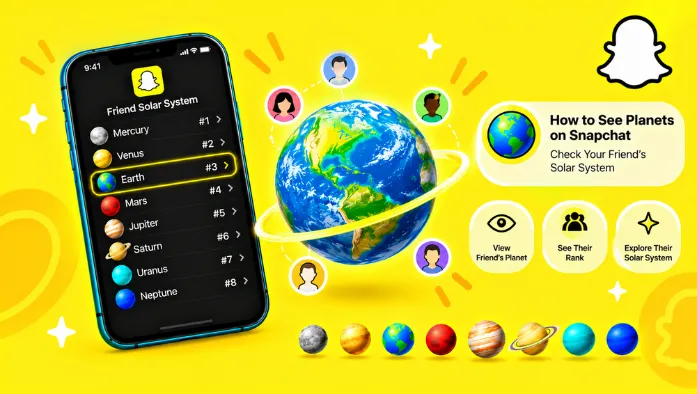
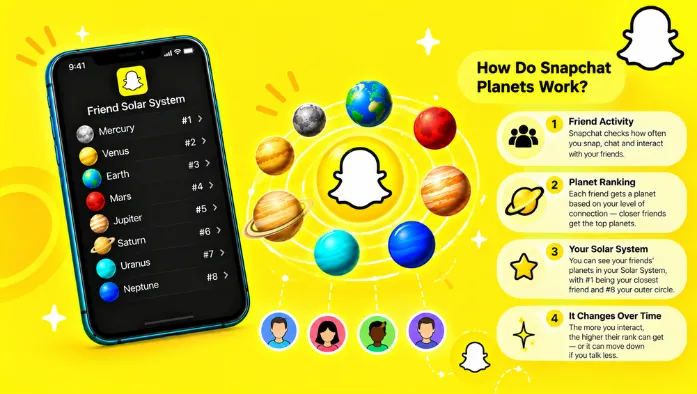
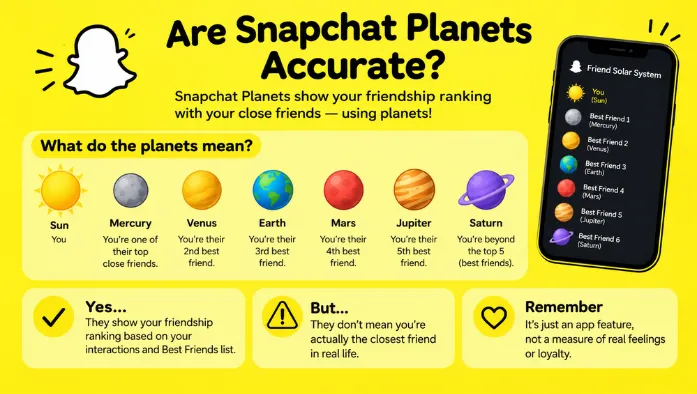
Snapchat has not removed its Friend Solar System feature. As of October 2026, Snapchat still introduces Solar System as a Snapchat+ feature that lets you see your position in a friend’s Best Friends list.
If your planets or Best Friends badge have disappeared, the feature may be turned off or unavailable because of an account or app issue.
Did Snapchat Remove the Friend Solar System Feature?
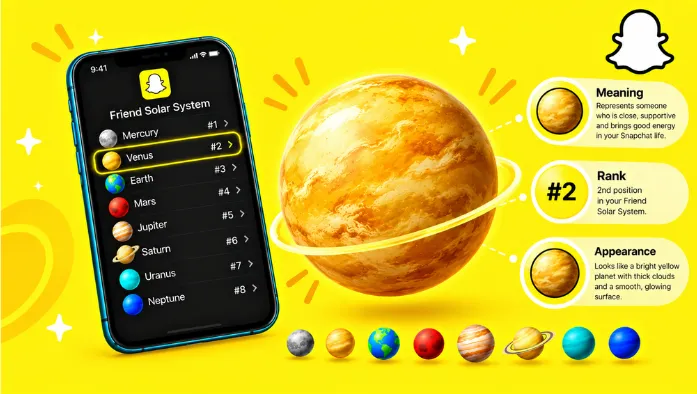
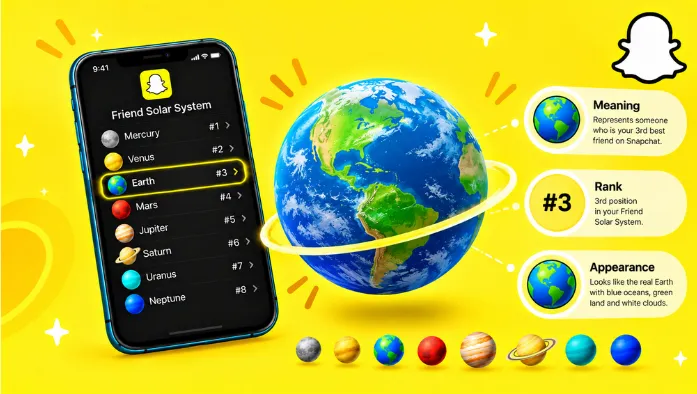
Snapchat’s documentation still lists Friend Solar System as a Snapchat+ feature. It allows subscribers to view their position in a friend’s Best Friends list by tapping the Best Friends badge on that person’s Friendship Profile.
Snapchat made the feature optional and turned it off by default for new subscribers in 2026. This change may explain why some users think planets have been removed. The feature remains available, but you need a subscription and must enable it from the settings to use it.
Why Are Snapchat Planets Not Showing?
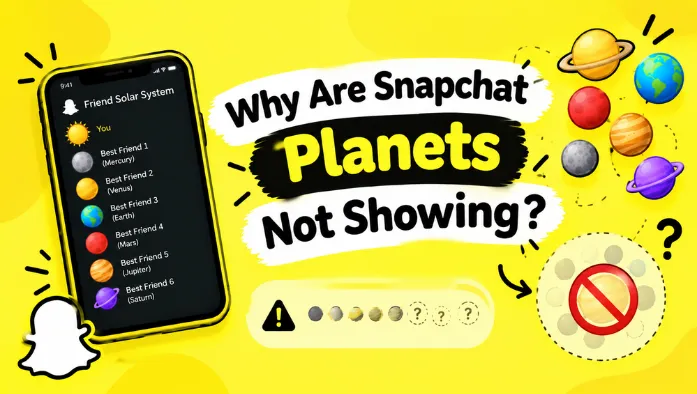
If Snapchat planets are missing, check your subscription, Solar System settings, and app version first. These are practical places to start before assuming Snapchat has removed the feature from your account.
Snapchat+ Subscription Requirements
Friend Solar System is a Snapchat+ feature, so you need an active Snapchat+ subscription to view your planet position. Without the subscription, the planet feature is not available through the standard Snapchat experience.
Solar System Feature Turned Off
Snapchat turns Solar System off by default for first-time subscribers. Even with Snapchat+, you may not see planets until you enable the feature.
Open your Snapchat+ settings and look for Solar System under feature management. Turn it on, then return to your friend’s Friendship Profile to check whether the Best Friends badge appears.
App Updates and Temporary Glitches
An outdated app or temporary loading issue may prevent a feature from appearing or working as expected. If your subscription is active and Solar System is enabled, update Snapchat through your device’s official app store.
Then close and reopen the app and check the Friendship Profile again. If the feature remains missing, use Snapchat’s in-app support option to report the problem.
How to Get Snapchat Planets Back
You can troubleshoot missing Snapchat planets by checking your subscription, enabling Solar System, and updating the app. Follow these steps to identify the most likely cause.
Check Your Snapchat+ Subscription
Open your Snapchat profile and select the Snapchat+ section. Check whether your subscription is active.
If you subscribed through Apple or Google, you can also check your active subscriptions in your device’s settings or app store. Restore or renew your subscription if needed before testing the feature again.
Enable Solar System in Snapchat+ Settings
Open Snapchat and tap your profile icon. Select Snapchat+ and find the feature management settings.
Locate Solar System and switch it on. The exact menu layout may vary by app version, but Snapchat’s support instructions confirm that Solar System can be enabled or disabled from feature management.
After enabling it, open a friend’s Friendship Profile and look for the Best Friends badge with a gold ring. Tap the badge to view your planet if the feature is available.
Update Snapchat and Reopen the App
If your planets still do not appear, open the App Store or Google Play Store and install any available Snapchat update. Close the app completely, reopen it, and check your settings again.
If the problem continues, restart your phone and report the issue through Snapchat Support.
FAQs
Conclusoin
Snapchat has not confirmed that Friend Solar System has been permanently removed; its official support page still lists the feature for Snapchat+ subscribers. If your planets disappear, check your subscription and Solar System settings first, then update the app if needed. In many cases, the feature may simply be switched off rather than gone.