How to See Planets on Snapchat – Check Your Friend’s Solar System
Snapchat Planets lets users see their position in a friend’s Best Friends list through the Friend Solar System feature. Instead of showing a simple ranking number, Snapchat uses planets such as Mercury, Venus, Earth, and Neptune to represent different positions.
If you want to check your planet, you can do it from a friend’s Friendship Profile. You just need to make sure Snapchat+ is active, and the Friend Solar System feature is turned on.
What Are Planets on Snapchat?
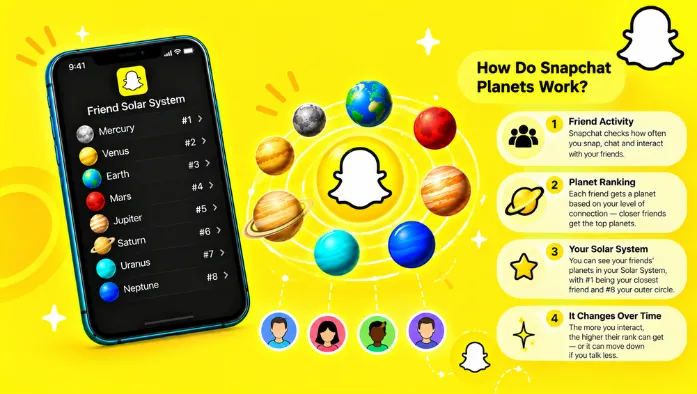
Planets on Snapchat are part of the Friend Solar System feature. They represent your position among another person’s eight Best Friends.
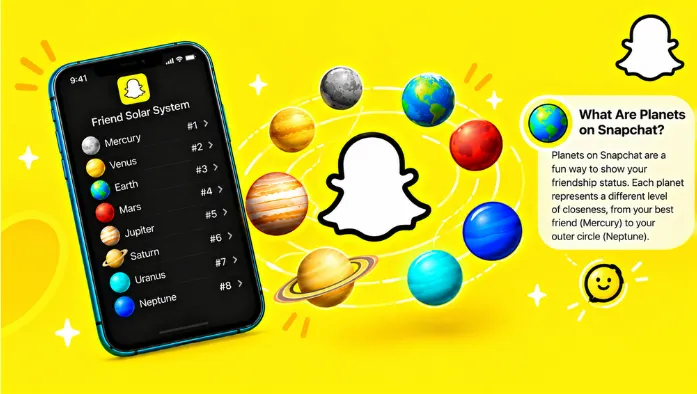
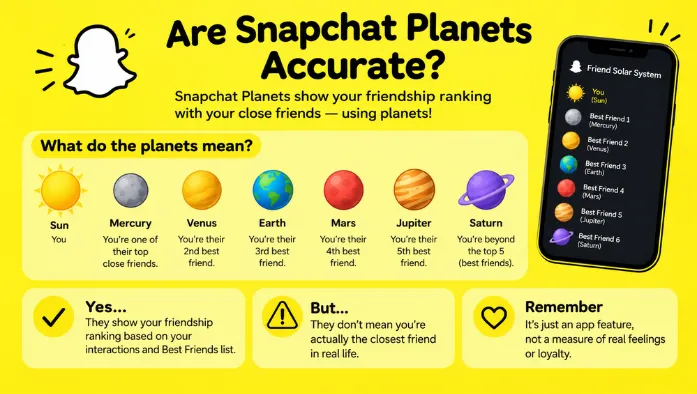
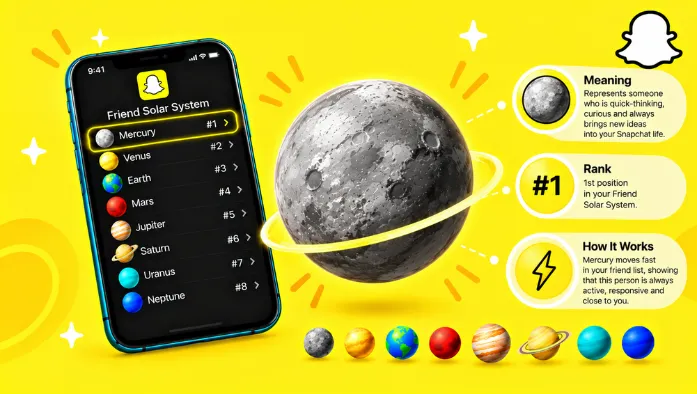
The system uses eight planets, with Mercury representing the 1st position and Neptune representing the 8th position. The closer the planet is to the Sun, the higher your position is in that friend’s Best Friends list.
For example, being Mercury means you are ranked first, while being Neptune means you are ranked eighth. These positions are based on Snapchat interactions and can change over time.
How to Turn On Snapchat Friend Solar System
Before trying to see your planet, make sure you have access to Snapchat+ because Friend Solar System is a Snapchat+ feature.
The Solar System feature is turned off by default for first-time Snapchat+ subscribers. If you have Snapchat+ but can’t find your planet, check your Snapchat+ feature settings and look for the option to enable Friend Solar System.
Once the feature is enabled, you can open a friend’s Friendship Profile and check the Best Friends badge.
How to See Your Planet on Snapchat
Once Friend Solar System is available, you can check your planet through the Friendship Profile of the person you want to check.
The process only takes a few steps.
Step 1: Open Your Friend’s Profile
Find the person whose Friendship Profile you want to check. You need to open the profile of a person with whom you have an eligible Best Friends relationship.
Tap their profile to access their available friendship information.
Step 2: Open the Friendship Profile
From the friend’s profile, open the Friendship Profile.
This section contains information about your friendship, including features and badges that may be available to you both.
Step 3: Find the Best Friends Badge
Look for the Best Friends badge with a gold ring.
Snapchat uses the Best Friends badge to indicate people who are among the eight friends you Snap and Chat with the most. If the Friend Solar System feature is available, this badge is where you can access your planet information.
Step 4: Tap the Badge to See Your Planet
Tap the Best Friends badge to open the Friend Solar System.
Your planet will show your current position in that person’s Best Friends list. For example:
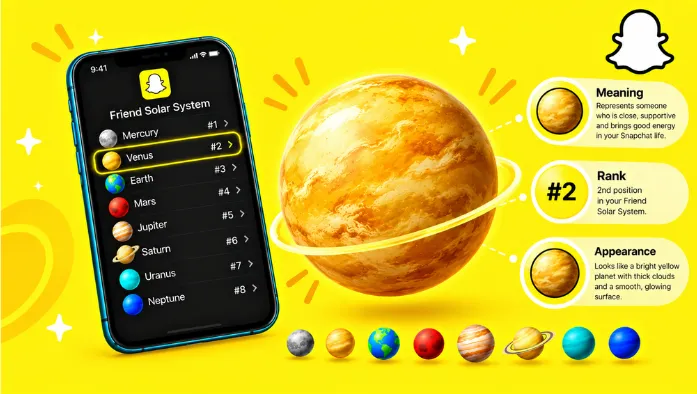
Mercury = 1st position
Venus = 2nd position
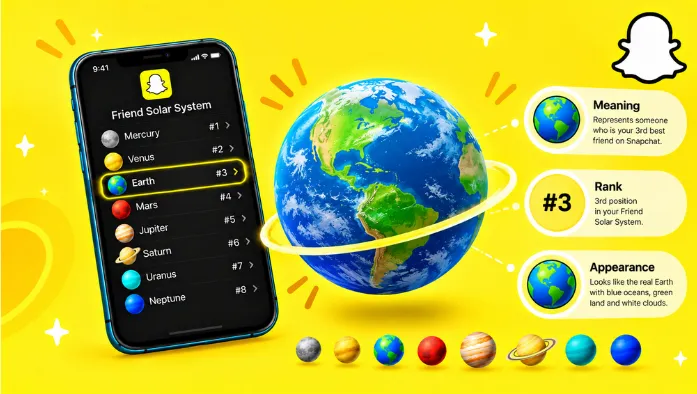
Earth = 3rd position
Mars = 4th position
Jupiter = 5th position
Saturn = 6th position
Uranus = 7th position
Neptune = 8th position
You can use this order to understand your ranking quickly. A planet closer to the Sun means a higher position.
Snapchat Planets in Order
Snapchat uses eight planets for the Friend Solar System. Each planet represents one position among the eight Best Friends.
| Planet | Position |
| Mercury | 1st |
| Venus | 2nd |
| Earth | 3rd |
| Mars | 4th |
| Jupiter | 5th |
| Saturn | 6th |
| Uranus | 7th |
| Neptune | 8th |
Mercury is the closest planet and represents the first position. Neptune is the farthest and represents the eighth position.
This order is useful when checking your planet because the visual design may not immediately tell you the ranking. Once you know the order, you can quickly understand what your planet means.
Why Can’t I See My Snapchat Planet?
If you followed the steps but don’t see a planet, several things could be causing the problem.
First, start by checking your Snapchat+ subscription and Solar System settings. Then check the Best Friends badge and make sure your Snapchat app is up to date.
Solar System Is Turned Off
The Friend Solar System feature may simply be disabled. Snapchat says Solar System is turned off by default for first-time Snapchat+ subscribers. Open your Snapchat+ settings and check whether you can enable the feature.
After turning it on, return to the relevant Friendship Profile and check the Best Friends badge again.
You Do Not Have Snapchat+
Friend Solar System is a Snapchat+ feature. If you don’t have Snapchat+, you may not have access to the planet system.
If you’re trying to use the feature without Snapchat+, check your account subscription first. Having the regular Snapchat app installed does not automatically provide access to every Snapchat+ feature.
The Best Friends Badge Is Missing
The Best Friends badge may not appear if you aren’t currently included among that person’s eight Best Friends.
Snapchat’s Best Friends are based on the people a user Snaps and Chats with the most. If your position changes, the badge or planet information may also change.
Snapchat App Needs an Update
An outdated Snapchat app can sometimes cause newer features or interface elements to be unavailable.
Check your device’s app store for a Snapchat update. After updating, close and reopen Snapchat and check the Friendship Profile again.
Can Other People See Your Snapchat Planet?
Your Snapchat planet represents your position in another person’s Best Friends list. The Friend Solar System is designed around the friendship between two Snapchat users.
If someone has access to the relevant Friend Solar System information, the feature can show the position represented by your planet. The planet isn’t a public profile ranking. It is connected to the Best Friends relationship between users.
FAQs
Conclusion
Snapchat Planets give Snapchat+ users a visual way to check their position in a friend’s Best Friends list. To see yours, open the friend’s Friendship Profile, find the Best Friends badge, and tap it to view your planet.
Remember the basic order: Mercury is 1st, and Neptune is 8th. If your planet isn’t showing, check Snapchat+ access, enable Solar System, look for the Best Friends badge, and update the Snapchat app if necessary.